Bridge Payment Gateway for PrestaShop
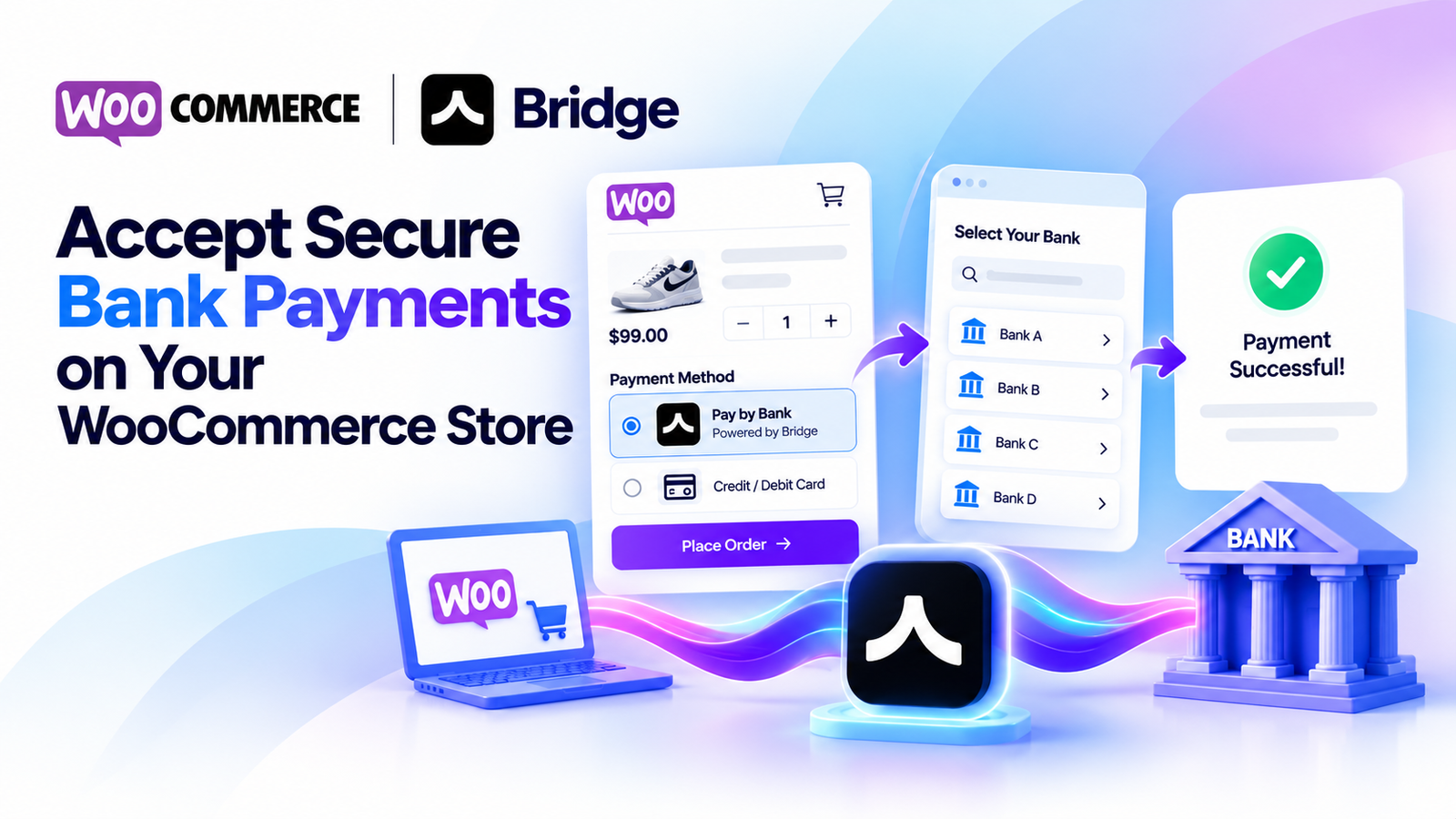
Accept secure bank payments directly on your PrestaShop store using Bridge API.
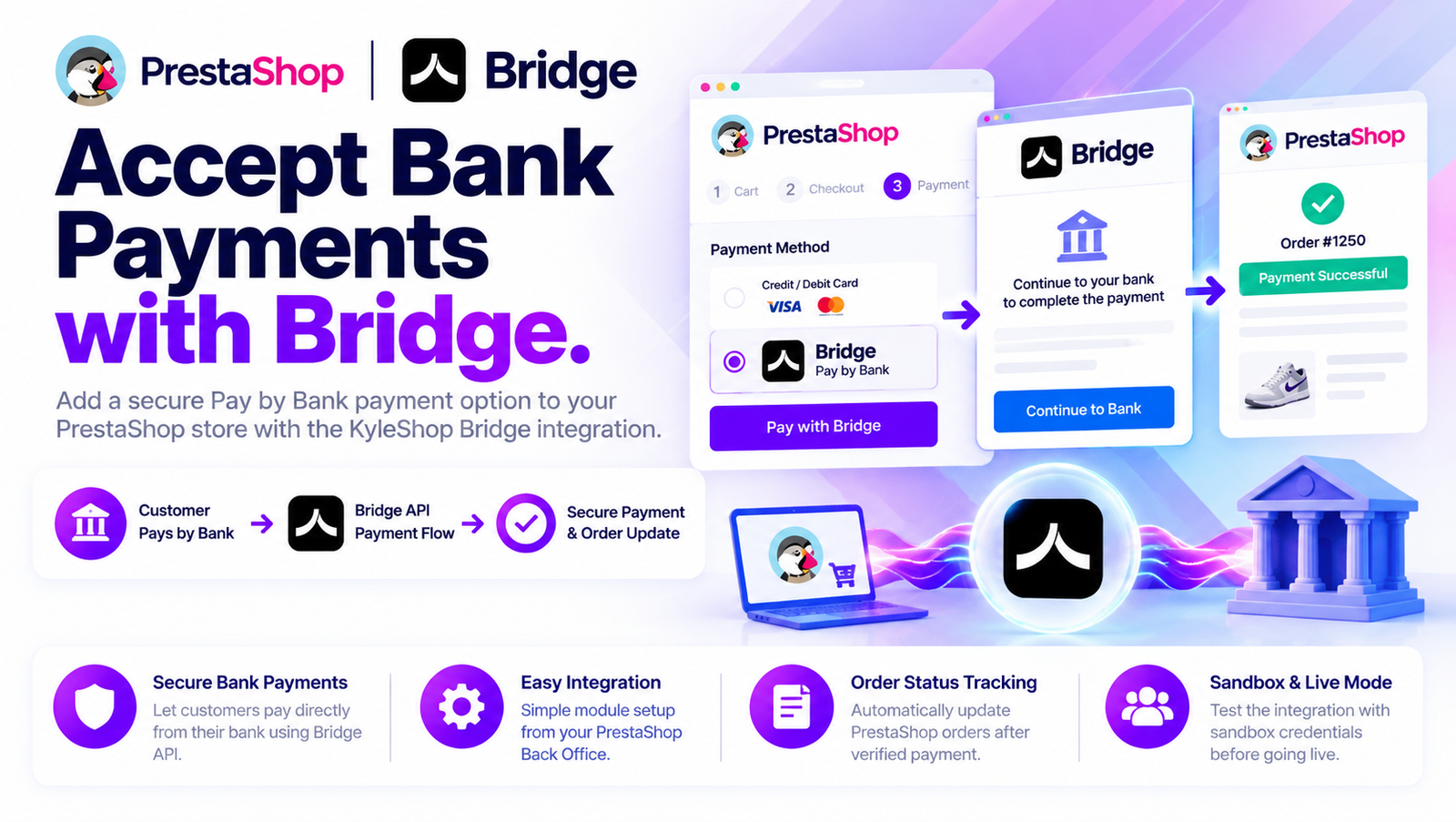
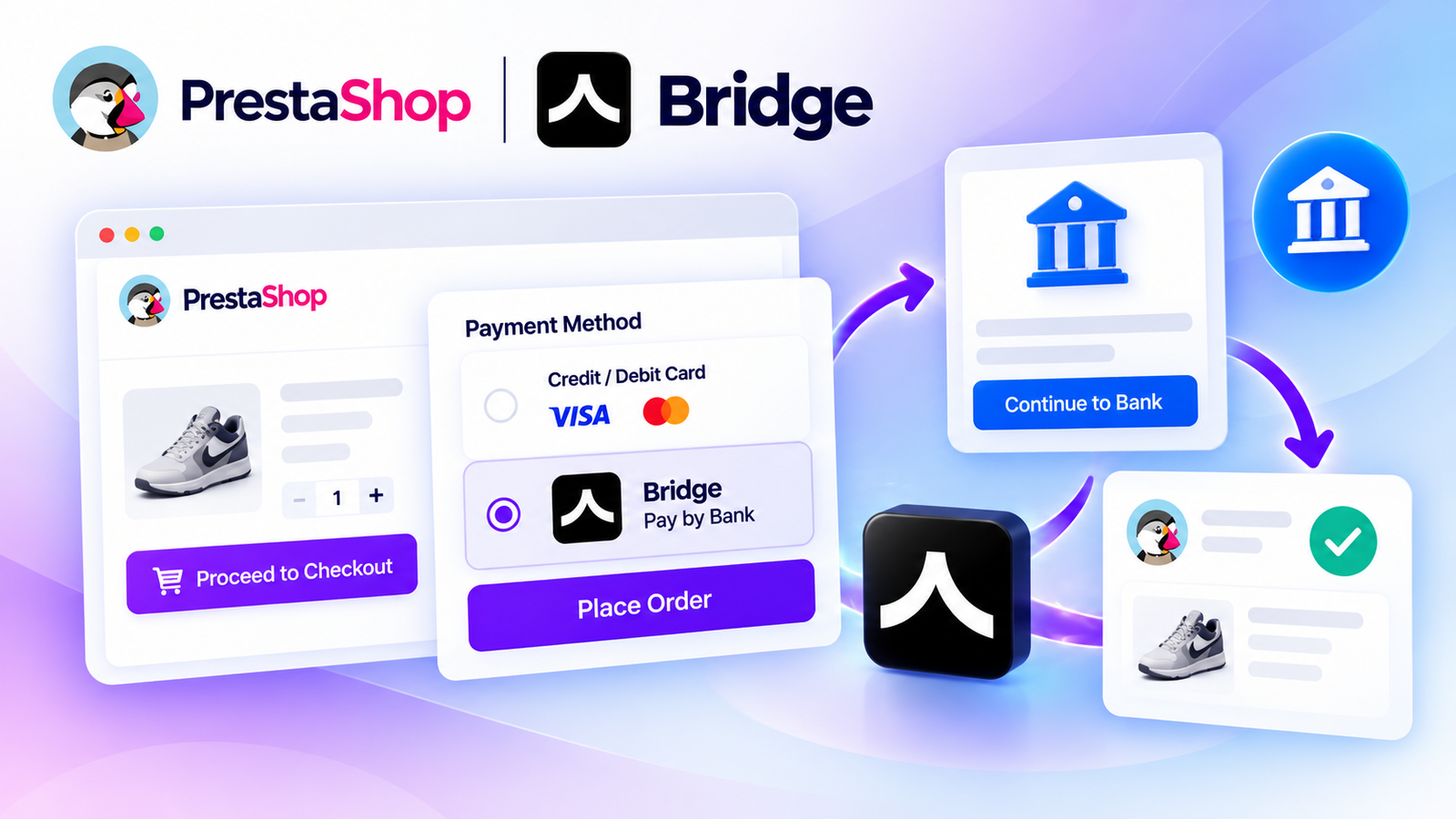
Bridge Payment Gateway for PrestaShop allows online stores to offer customers a convenient Pay by Bank payment option. Customers select Bridge during checkout, continue through the supported banking payment flow, and return to your store.
The module connects your PrestaShop checkout with supported Bridge payment services, helping you manage payment results through your normal PrestaShop Back Office.
Key Features
-
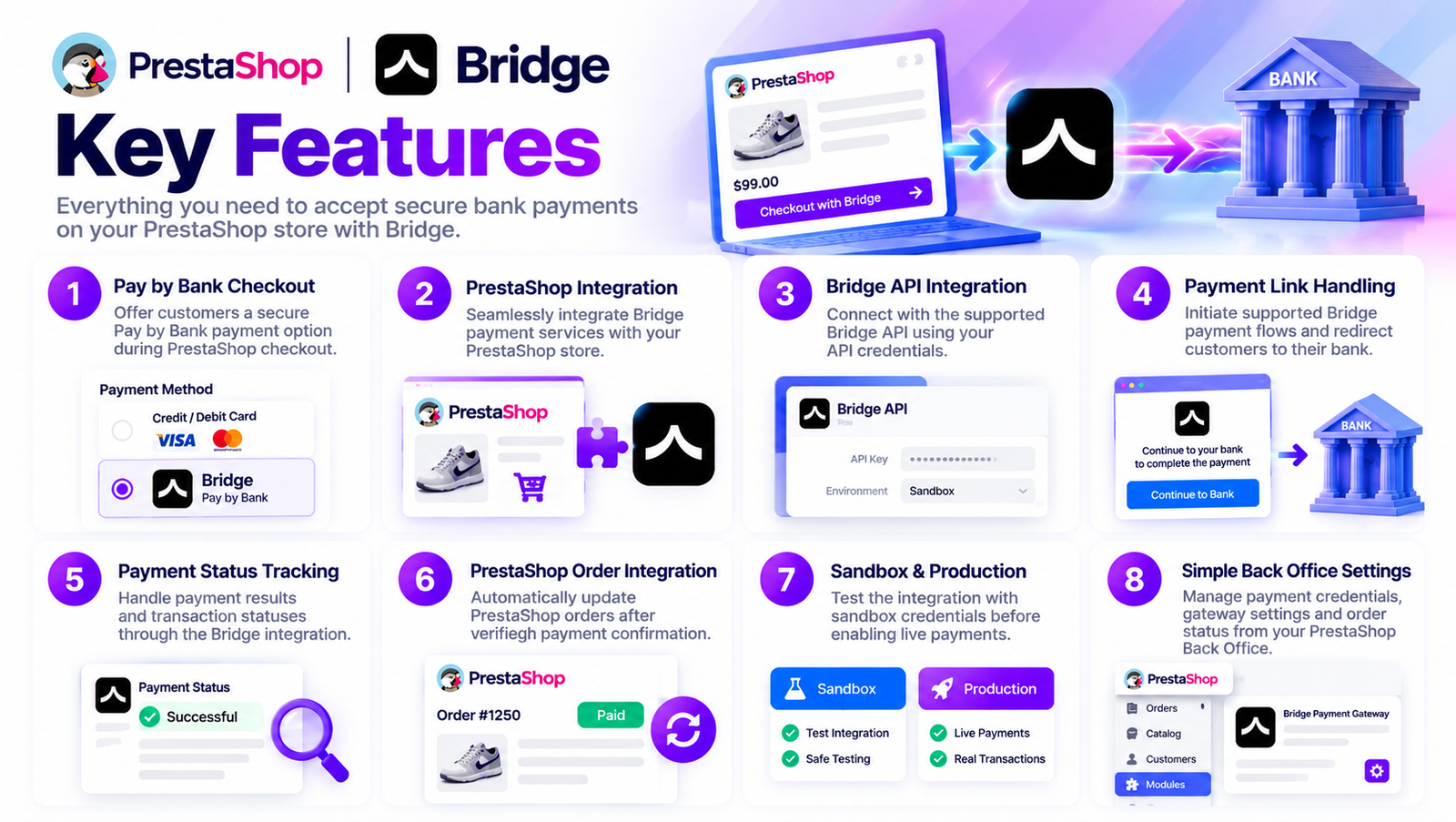
Pay by Bank Checkout: Offer customers a bank-based payment option.
-
PrestaShop Integration: Connect Bridge payment services with your PrestaShop store.
-
Bridge API Integration: Configure the API credentials required for payment processing.
-
Payment Link Handling: Initiate supported Bridge payment flows.
-
Payment Status Tracking: Handle payment results and transaction references.
-
Order Status Integration: Update PrestaShop orders following verified payment confirmation.
-
Sandbox Testing: Test the integration before enabling production payments, where supported.
-
Simple Configuration: Manage payment credentials and gateway settings from your PrestaShop Back Office.
How It Works
1. Customer Places an Order
The customer selects products from your PrestaShop store, adds them to the cart, and proceeds to checkout.
2. Customer Selects Bridge
The customer chooses Bridge as the payment method during checkout.
3. Bridge Payment Is Initiated
The module communicates with the supported Bridge API and initiates the payment flow.
4. Customer Completes the Bank Payment
The customer follows the supported banking payment process and authorizes the transaction through their bank.
5. Payment Is Verified
The module processes the payment result and checks the transaction status through the supported Bridge integration.
6. PrestaShop Order Is Updated
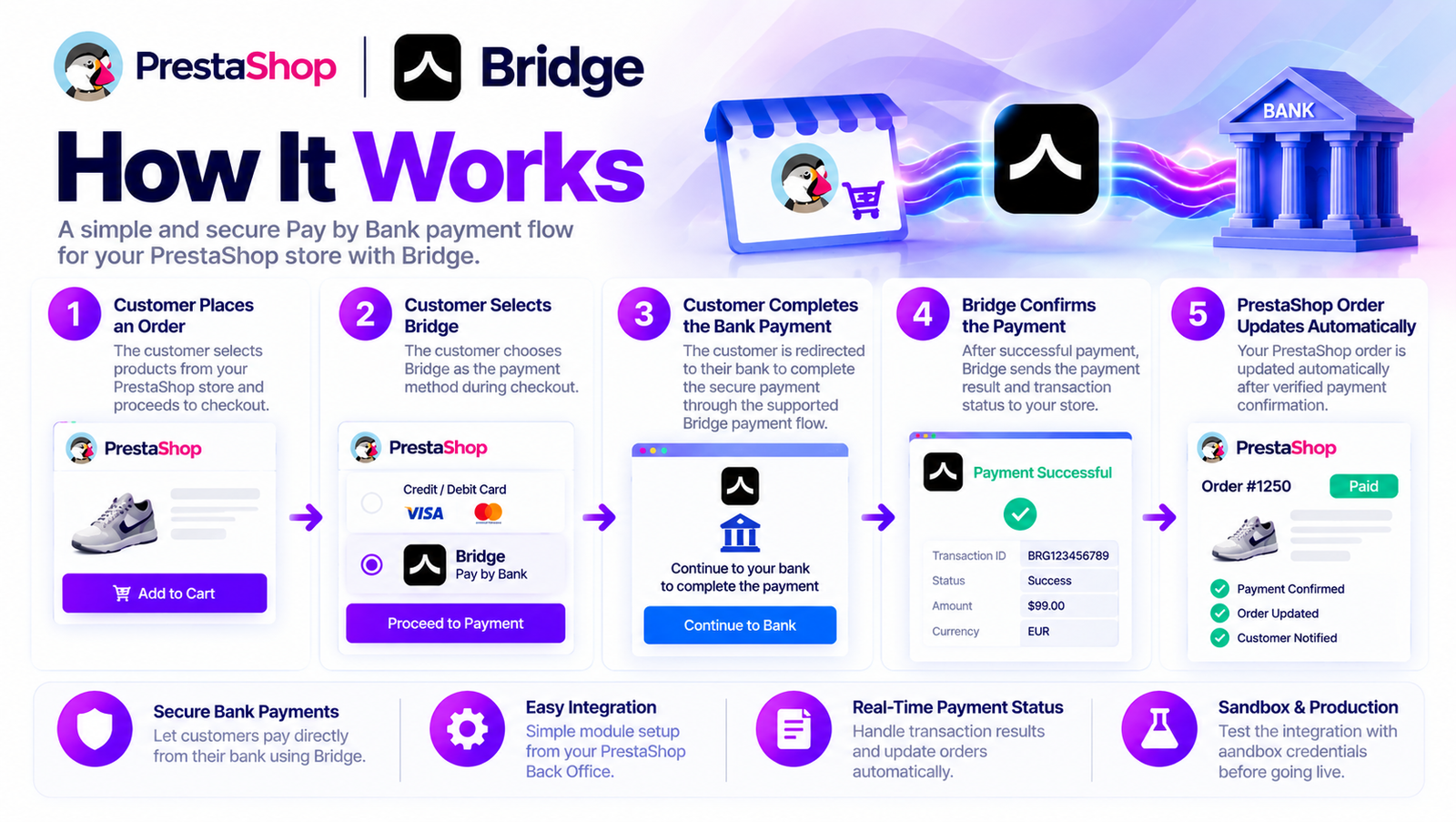
After verified successful payment confirmation, the corresponding PrestaShop order can be updated automatically according to the module's order-status configuration.
Secure Payment Status Handling
Payment initiation does not automatically mean that an order has been paid.
The module is designed to handle payment results and transaction statuses so that an order is marked as paid only after the required successful payment confirmation has been received and verified.
The exact status handling depends on the Bridge API product and the implemented module functionality.
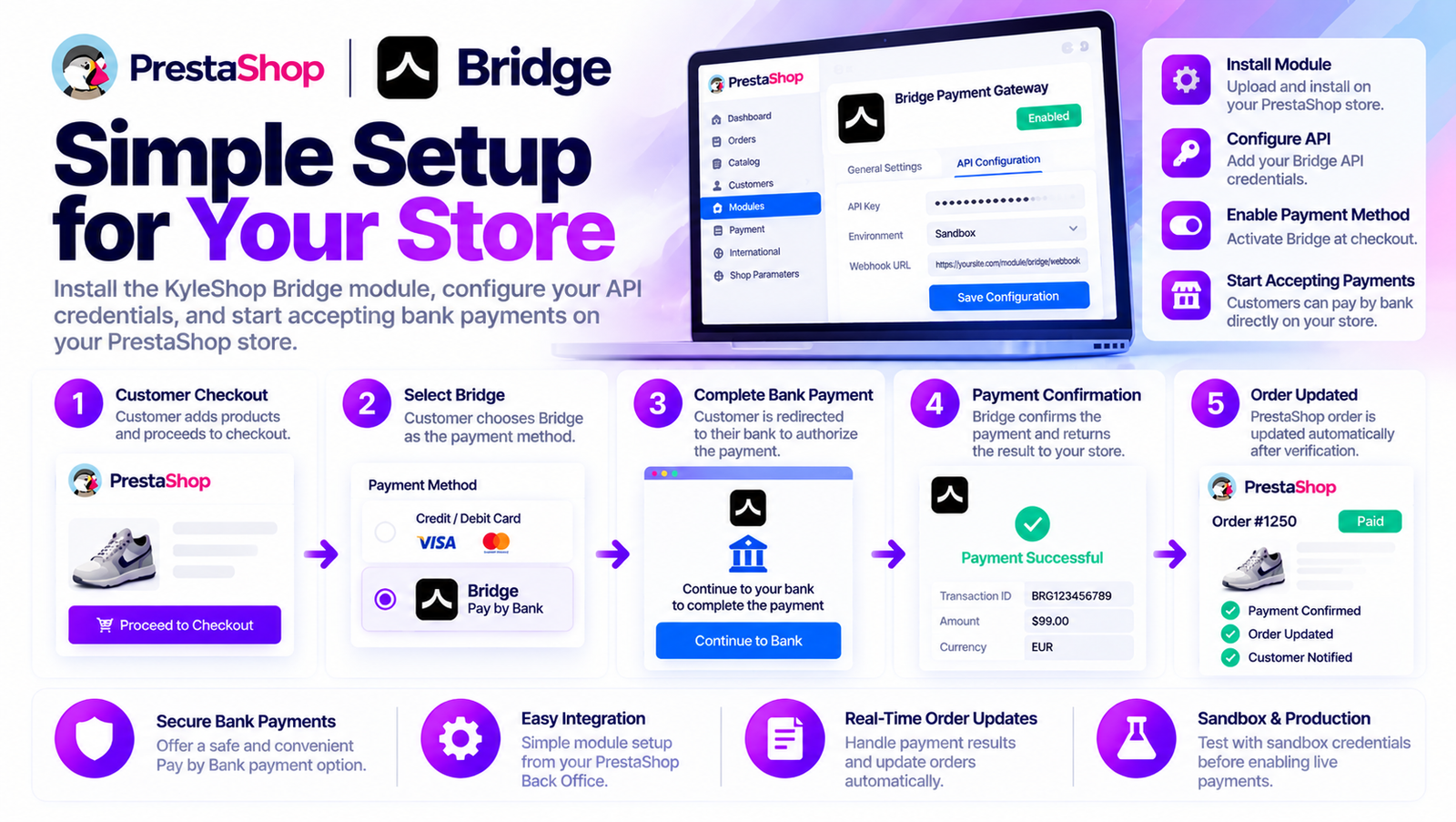
Simple for Your Customers
Customers do not need to enter card details into your store for a Pay by Bank transaction.
The checkout experience is straightforward:
Choose Products → Select Bridge → Continue to Your Bank → Authorize Payment → Return to Store
Bridge handles the supported bank-payment flow.
Simple for PrestaShop Store Owners
You do not need to build a custom Bridge API integration yourself.
Install the KyleShop module, configure your Bridge API credentials, select the supported payment environment, and enable the payment method.
Manage resulting transactions and orders through your familiar PrestaShop Back Office.
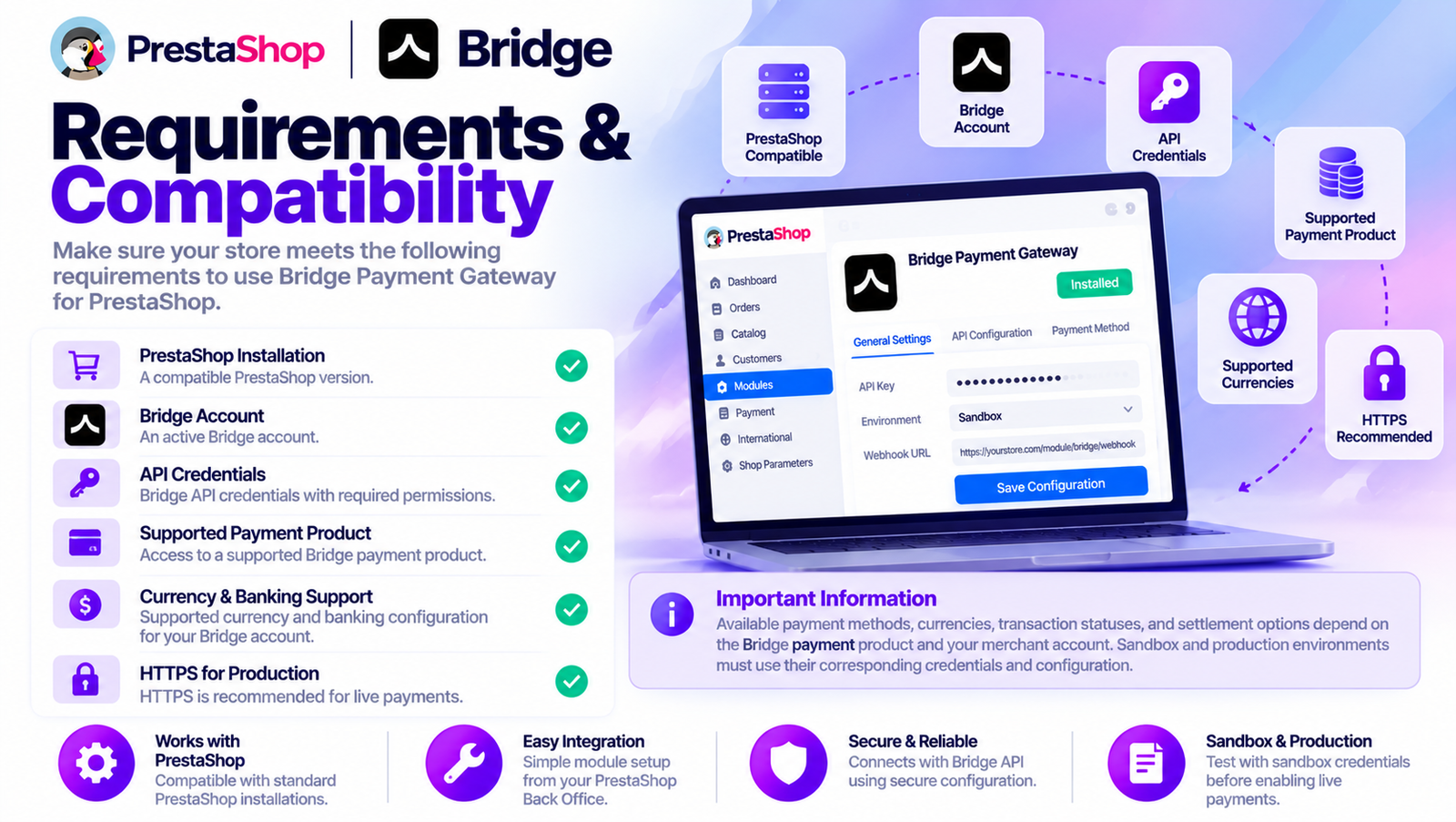
Requirements
-
A compatible PrestaShop installation.
-
An active Bridge account.
-
Bridge API credentials with the required permissions.
-
A supported Bridge payment product.
-
Supported currency and banking configuration for your Bridge account.
-
HTTPS for production use.
Important Information
Available payment methods, currencies, transaction statuses, and settlement options depend on the Bridge API product and your merchant account.
Sandbox and production environments must use their corresponding credentials and configuration.
Start accepting bank payments on your PrestaShop store with Bridge Payment Gateway by KyleShop.