

Step 01
Customer Pays
The shopper checks out with a credit or debit card, Apple Pay, Google Pay, or another supported method.
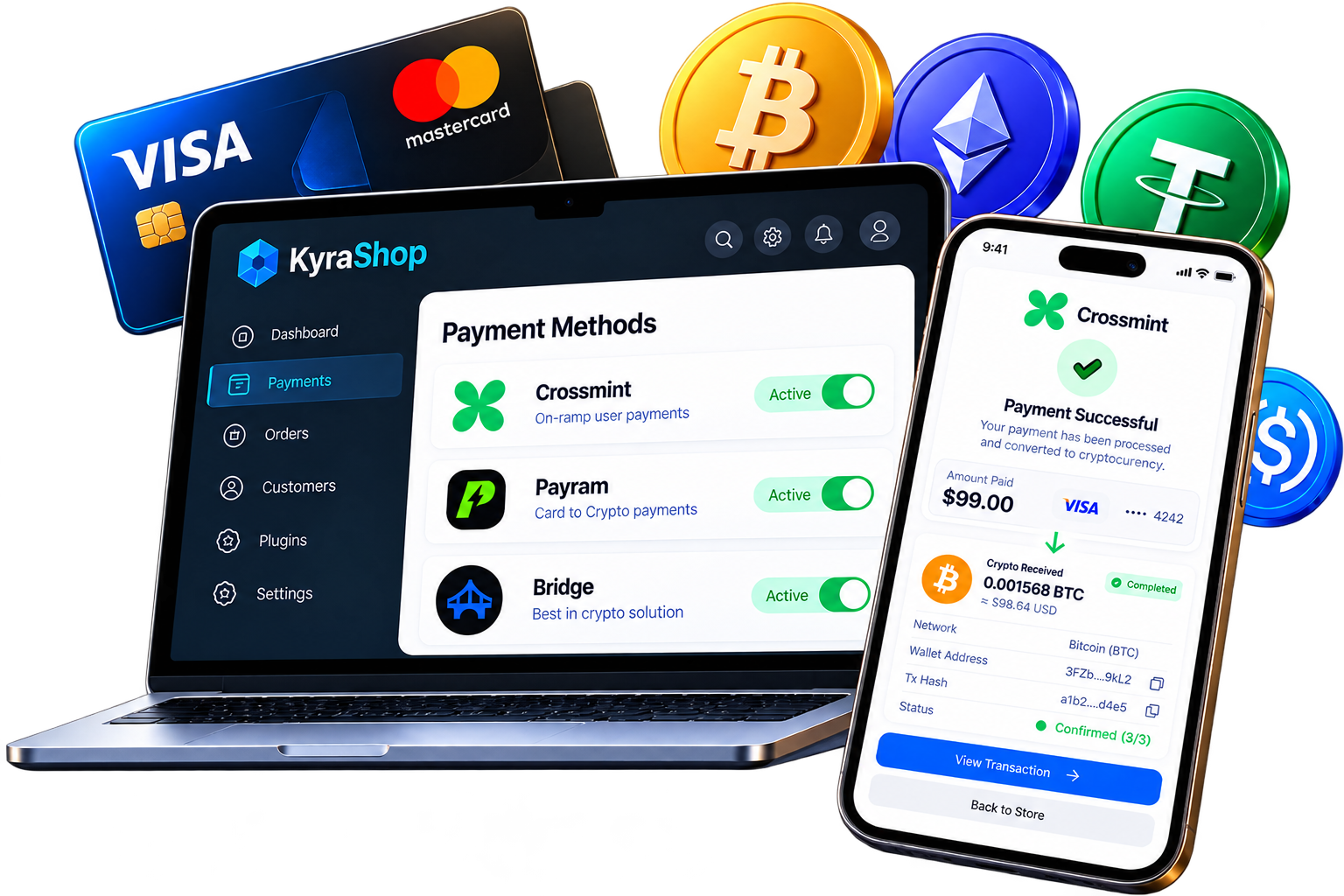
Let your customers pay with credit or debit cards, Apple Pay, Google Pay, and other supported payment methods, while you receive the payment in cryptocurrency directly to your configured wallet.
Customers pay with Card, Apple Pay, or Google Pay. You receive crypto directly to your wallet.
Customer Pays → Payment Converts to Crypto → You Receive Crypto
 WordPress
 Commerce
 PrestaShop
 Elementor
Customer Pays → Payment Converts to Crypto → You Receive Crypto
Step 01
The shopper checks out with a credit or debit card, Apple Pay, Google Pay, or another supported method.

Step 02
The connected payment provider converts the card payment into cryptocurrency.

Step 03
Crypto is sent directly to the wallet you configured for that plugin.
Production-ready integrations for WordPress, WooCommerce, PrestaShop and more. Open a listing to see the payment provider it uses.
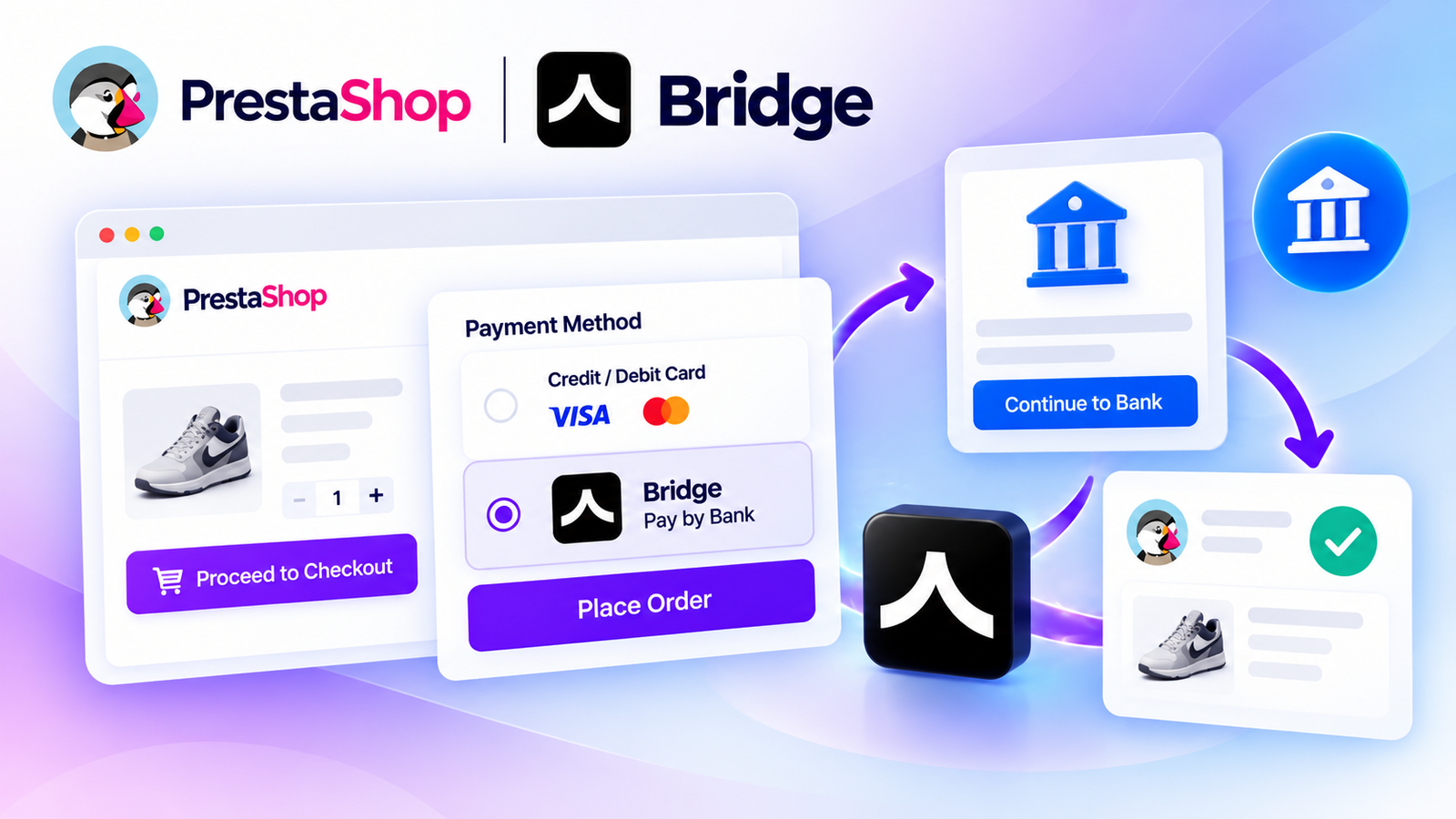
Accept secure bank payments directly on your PrestaShop store using Bridge API. Give customers a convenient Pay by Bank checkout experience with payment tracking, API integration, and supported bank-payment flows.
$250
No reviews yet
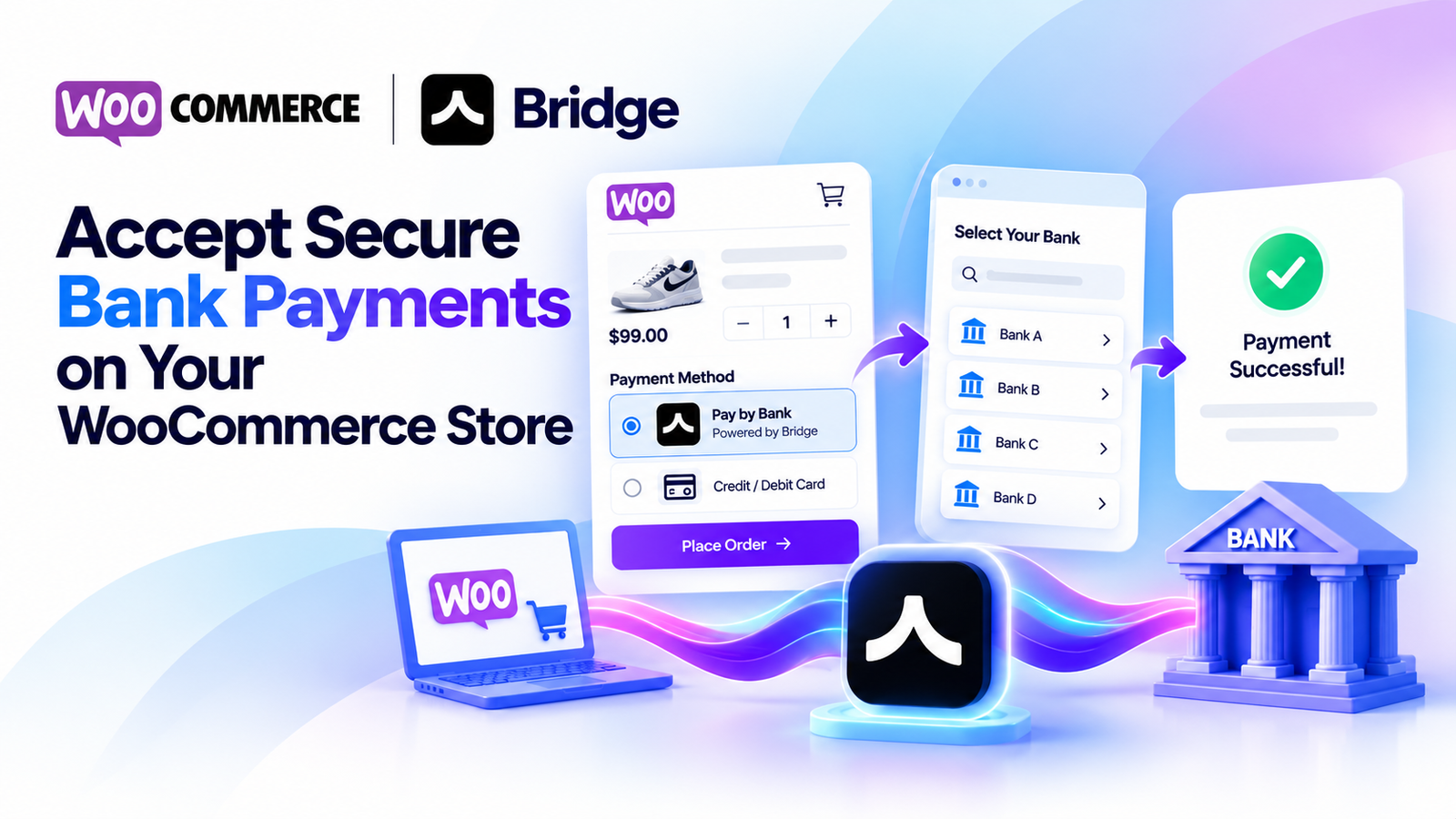
Accept secure bank payments directly from your WooCommerce checkout using Bridge API. Offer customers a simple pay-by-bank experience with payment status tracking, sandbox testing, and WooCommerce HPOS compatibility.
$250
4.6 (32)
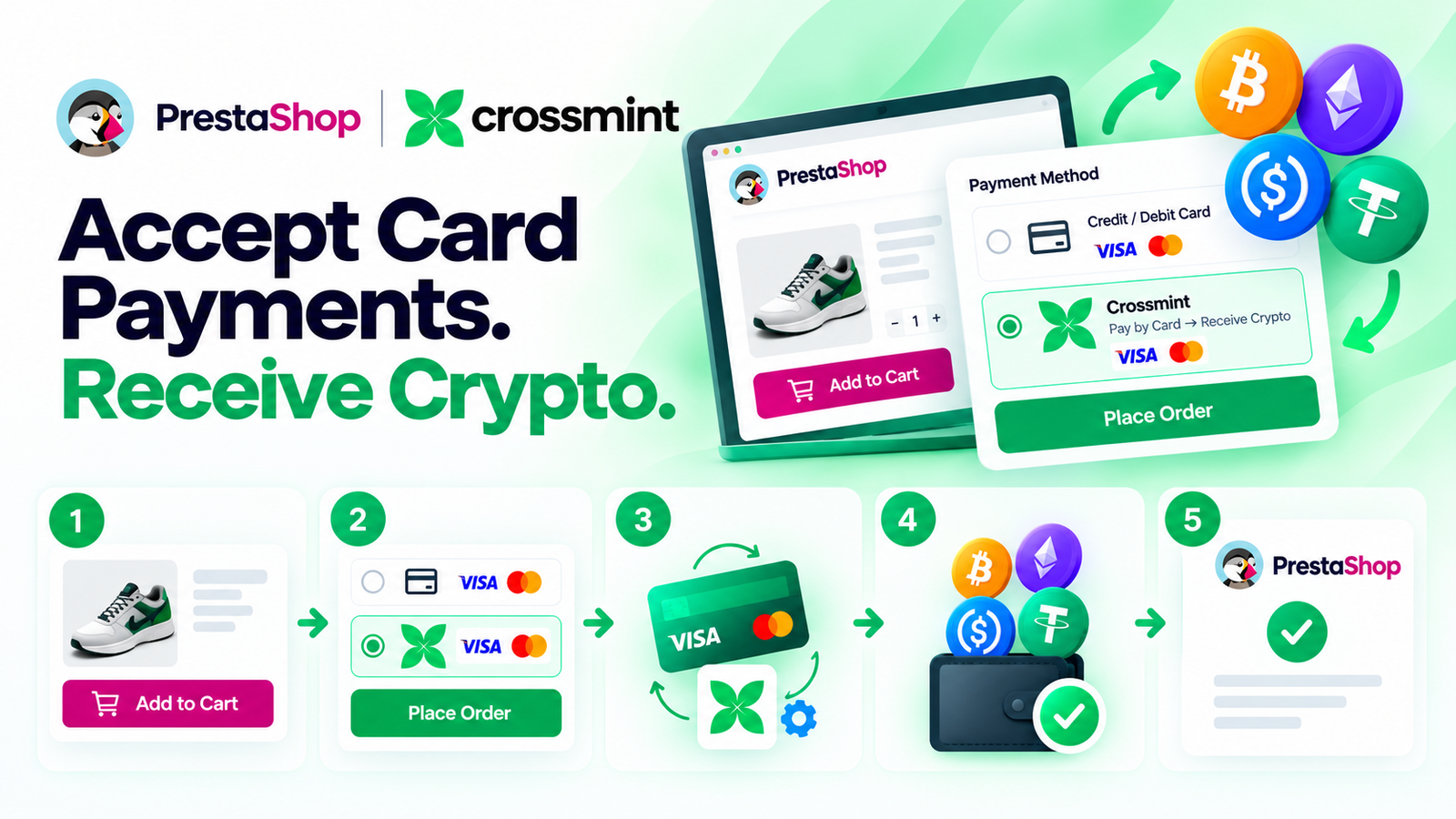
Let your PrestaShop customers pay with a credit or debit card while Crossmint handles the card-to-crypto conversion and delivers crypto to your configured wallet. Simple checkout, easy setup, and no KYC or business documents required by KyleShop to purchase or activate the plugin.
$250
4.3 (20)
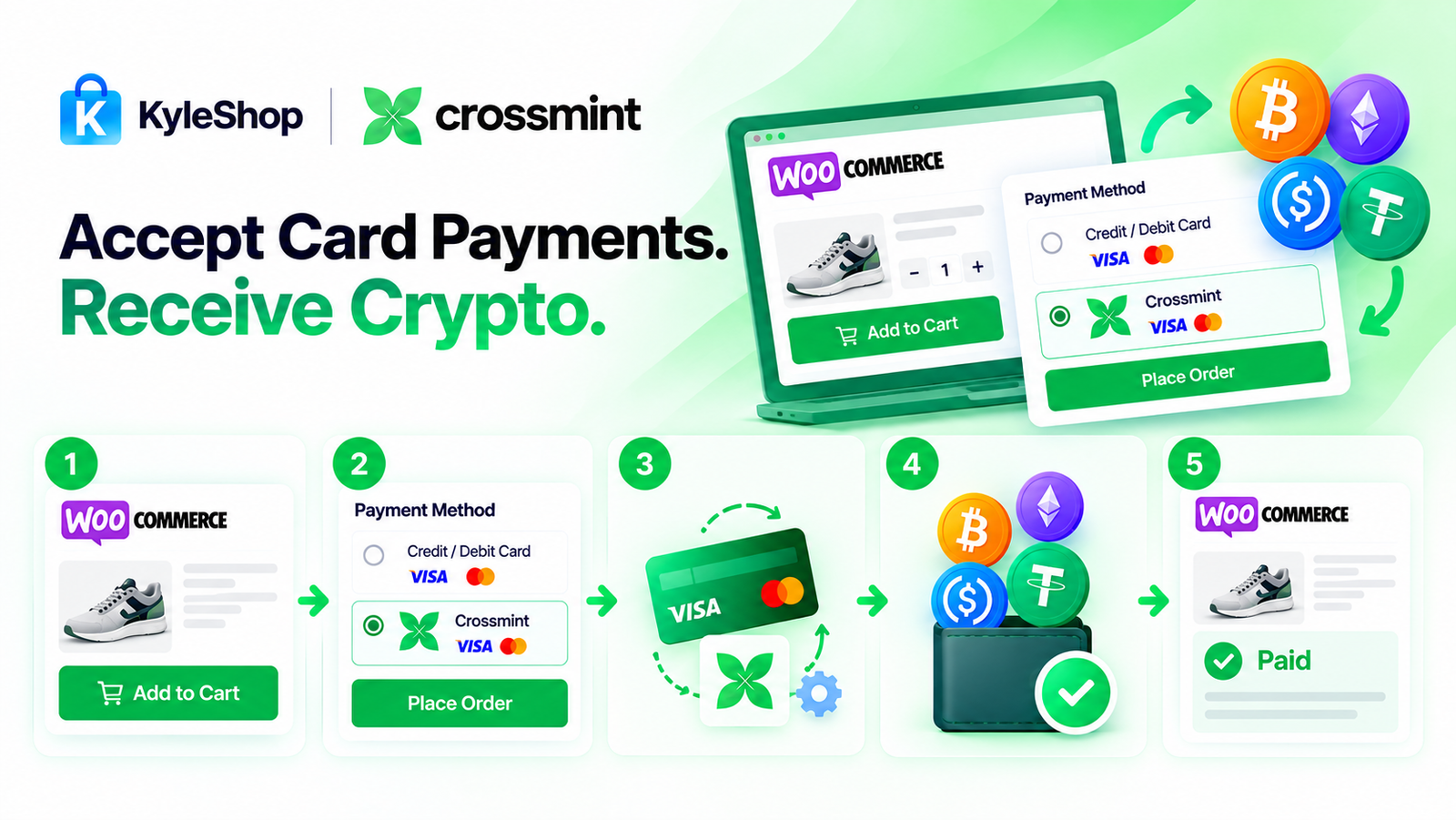
Let your customers pay with a credit or debit card while Crossmint handles the card-to-crypto conversion and sends crypto to your configured wallet. Simple WooCommerce checkout, easy setup, and no KYC or identity documents required by KyleShop to purchase or activate the plugin.
$250
4.4 (19)

Let your PrestaShop customers pay by card while PayRam handles the card-to-crypto process and settles crypto directly to your configured wallet. Self-hosted gateway, simple checkout, automatic order updates, and no PayRam signup or KYB approval required.
$250
4.9 (18)
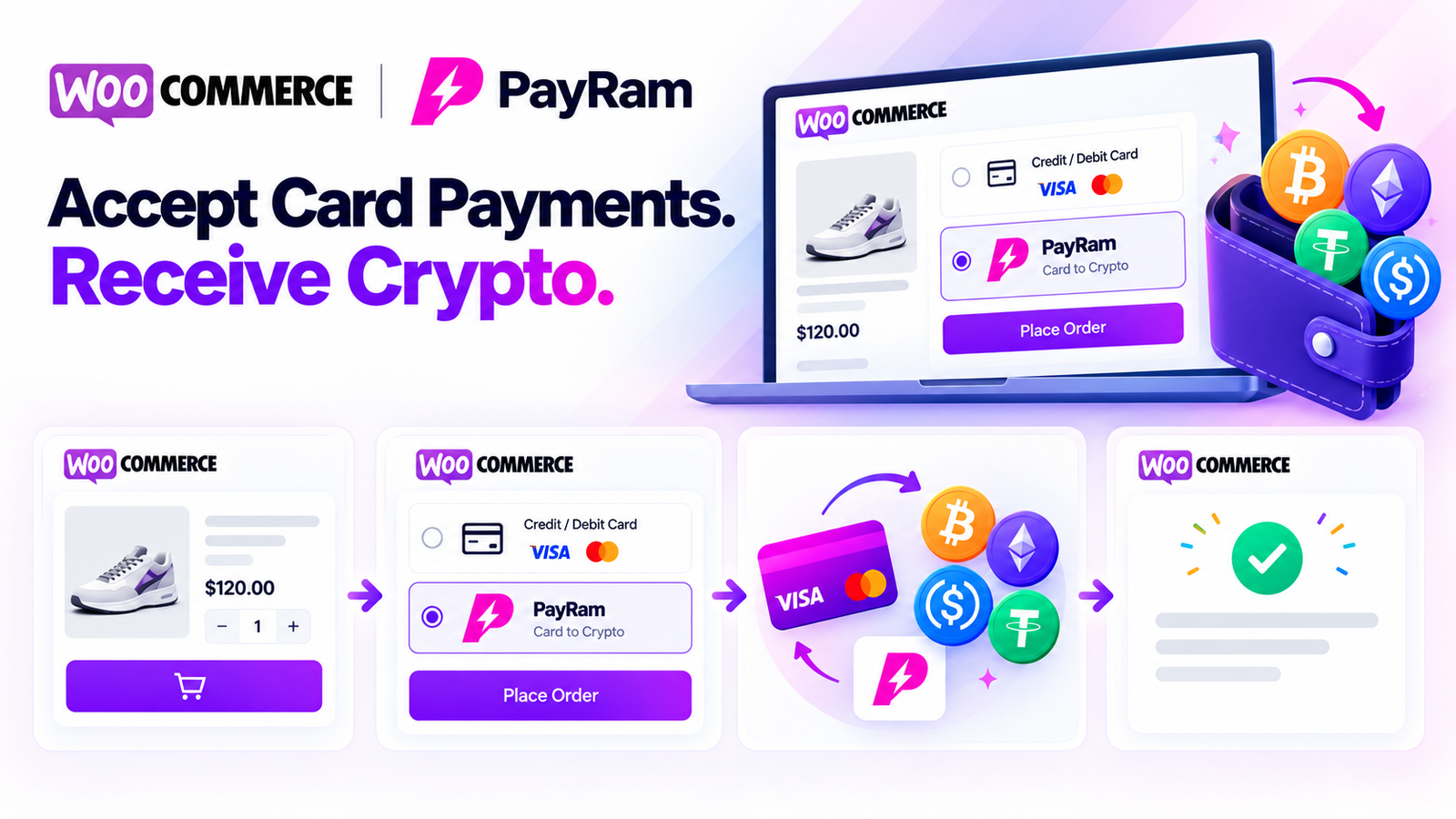
Let your WooCommerce customers pay by card while PayRam handles the card-to-crypto process and settles crypto directly to your configured wallet. Self-hosted gateway, simple checkout, automatic WooCommerce order updates, and no PayRam account or KYB signup required.
$250
4.6 (18)
Enable customers to pay with credit or debit cards while merchants receive cryptocurrency directly in their configured wallets. Our plugins integrate supported payment providers with WooCommerce and PrestaShop.
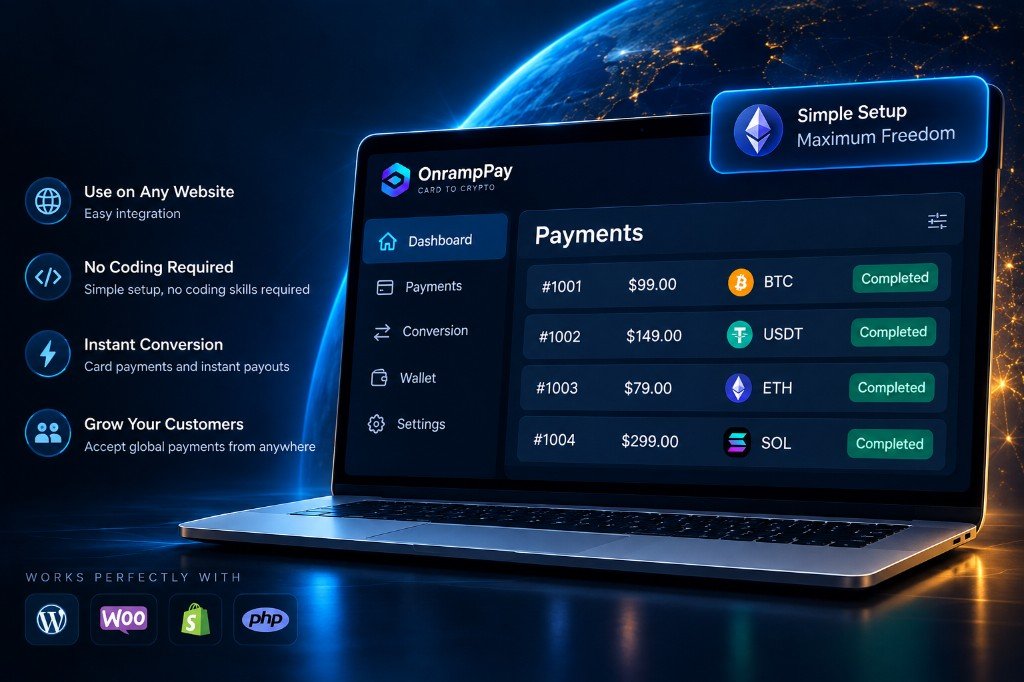
Each onramp plugin is packaged for a specific storefront. Install it on your platform, connect the payment provider listed on the product page, and start accepting card checkout.
Install as a WordPress plugin and enable checkout on your site with the provider named on the listing.
View plugins
Add card-to-crypto checkout to WooCommerce stores without changing how shoppers pay at cart.
View plugins
Use a PrestaShop module to process payments through the connected onramp provider.
View plugins
Works alongside Elementor layouts so your storefront design stays intact after install.
View pluginsMore platforms are added as new plugins are published. Brand marks indicate compatibility only and do not imply endorsement.
Shoppers check out with a credit or debit card. The payment provider settles the sale, and you receive cryptocurrency in the wallet configured for that plugin.
Customers pay with a credit or debit card. They do not need a crypto wallet at the cart.
You receive the payment amount in cryptocurrency in the wallet configured for the plugin.
The provider named on the plugin processes the card payment and delivers the crypto payout.
Crypto is sent to the wallet you set up. Card details stay with the payment provider.
Choose a plugin, connect your payment provider, and start accepting payments.